
Quick Take
Every current action camera needs the same thing: a genuine UHS-I card rated V30 and A2, bought from a real seller. The SanDisk Extreme PRO works in everything I test; the SanDisk Extreme 245MB/s is what I grab for fast offloads.
I once asked my viewers whether a memory card had ever cost them footage, and the answers were brutal — lost dives, lost race runs, whole mornings gone. What stung most: several of those dead cards were name brands, bought cheap from marketplace sellers. Picking the best SD cards for action cameras is 20% specs and 80% not getting burned. This is the guide I wish everyone read before their first card error.

The Only Three Specs That Matter
V30 — the video speed class. It guarantees the card never drops below 30MB/s sustained writes. Every current action camera, from the Hero 13 to the Pocket 4, specifies it. Ratings like U3 promise the same floor; V30 is just the newer label.
A2 — the app performance class. It keeps the card responsive for the small, random writes cameras make alongside video — thumbnails, telemetry, GPS overlays.
UHS-I — the interface. Here’s the money-saver: action cameras use UHS-I, so expensive V60 and V90 UHS-II cards bring zero benefit — and Insta360 officially warns UHS-II cards can cause problems in the Luna Ultra. Faster isn’t better; correct is better.
The Best SD Cards for Action Cameras: My Four
SanDisk Extreme PRO — works in everything
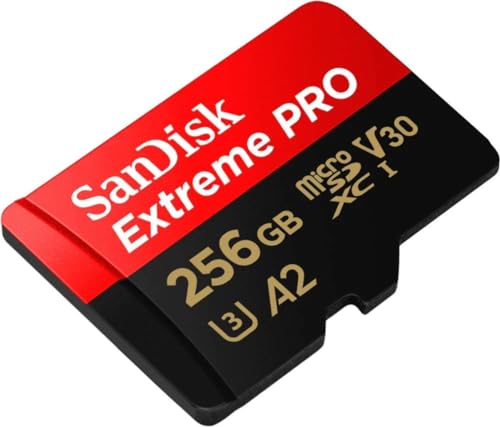
- Waterproof, shock and vibration proof, protected from airport x-rays, temperature...
The card I’ve trusted longest. V30, A2, genuinely reliable in heat and cold, and on every manufacturer compatibility list I’ve checked. If you buy one card for all your cameras, it’s this.
SanDisk Extreme (245MB/s) — the fast-offload favorite
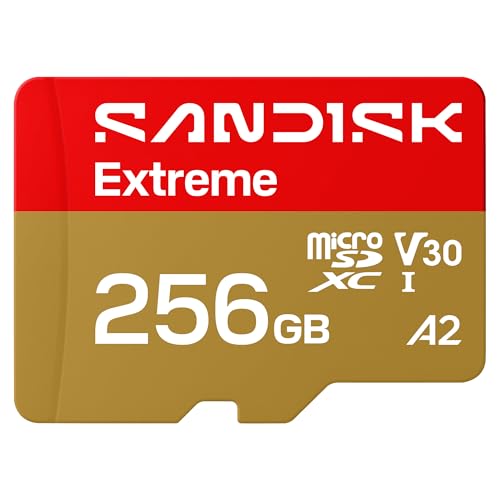
- CAPTURE LARGER THAN LIFE. Unlock startling 5K[3] point-of-view and pristine high-res...
- SPEED BARRIERS SHATTERED. Save precious moments with rapid read speeds up to...
- MAXIMIZE WITH MASSIVE CAPACITY. Record longer and store more with up to 2TB[1] of...

Identical recording class, much faster reads. Offloading a full 256GB card takes noticeably less time than with anything else here, which is why it’s become the most popular card among ProjectGO readers this year.
Samsung EVO Select — the budget spare
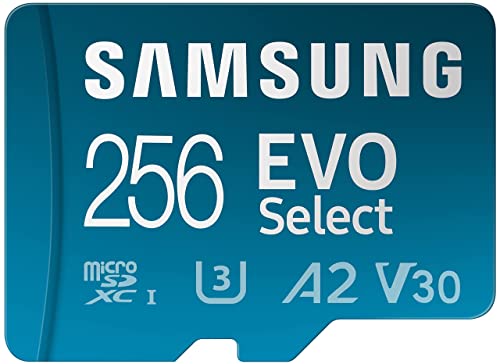
- ALL THE SPACE YOU NEED: Store tons of media on your phone, load games or download...
- FAST AND SMOOTH: With superfast U3, class 10 rated transfer speeds of up to...
- EXPAND AND STORE BIG: Find your perfect fit from 64GB, 128GB, 256GB and 512GB; Select...
U3 rated and dependable at a price that makes owning a backup card painless. Slower to offload, but a spare card in the bag beats a fast card that’s full.
Lexar Professional 1066x — the solid alternative
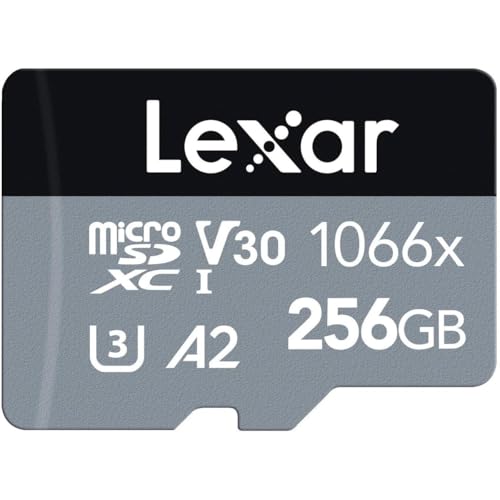
- Professional-level performance for action cameras, drones, Android smartphones...
- Leverages UHS-I technology to deliver read speeds up to 160MB/s
- Quickly capture high-quality images and extended lengths of Full-HD and 4K UHD with...
A true V30/A2 card that DJI’s own recommendation lists lean toward as well. When SanDisk prices spike, this is the answer.
Which Card for Which Camera
Every camera has its quirks — a few have dedicated guides with the exact picks and capacity math:
- GoPro Hero 13 — the classic. My tested Hero 13 SD card picks.
- GoPro Mission 1 / Mission 1 Pro — no internal storage and a 240Mbps bitrate that punishes weak cards. See the Mission 1 card guide.
- Insta360 Luna Ultra — V30 UHS-I only, and officially no UHS-II. Details in the Luna Ultra card guide.
- DJI Pocket 4 / Pocket 4 Pro — 107GB internal plus a card slot. The Pocket 4 card guide covers both models.
- DJI Pocket 3 — no internal storage, so the card is the only copy until you offload. Picks and sizes in the Pocket 3 card guide.
- DJI Osmo Nano — the odd one out: it can’t record to a card at all. The Osmo Nano storage guide explains the export-only system.
- DJI Osmo Action series — sizes and recording times in the Osmo Action microSD guide, with Action 5 Pro picks here.
- Insta360 Ace Pro — covered in the Ace Pro card guide.
- GoPro Hero 12 — still a great camera; the Hero 12 picks still apply.
How to Avoid Fake Cards
Counterfeits are the real villain of this category, and they’re why “my SanDisk failed” stories are so common. Three rules keep you safe. Buy from Amazon directly or a manufacturer store, not third-party marketplace listings with too-good prices. Check that the packaging capacity, card label, and formatted capacity all agree the day it arrives. And test before the first real shoot — record at your camera’s highest bitrate until the card is a quarter full, then play it back. A fake card fails that test within minutes, well inside the return window.
512GB or 1TB?
For most people, 256GB is the sweet spot and 512GB is the comfortable upgrade for 8K cameras like the Mission 1 Pro and Luna Ultra. I’d skip 1TB unless you genuinely shoot multi-day trips without offloading — one giant card is also one giant single point of failure, and two 512GB cards cost about the same while halving the risk.
FAQ
No. Current action cameras use a UHS-I interface, so a genuine V30 card meets every manufacturer requirement — including for 8K on the Mission 1 Pro and Luna Ultra. V60/V90 UHS-II cards cost more and add nothing here.
Usually one of three reasons: it was a counterfeit from a marketplace seller, it aged out after years of rewrites, or it was formatted on a computer instead of in the camera. Genuine cards, bought from real sellers and formatted in-camera, very rarely fail.
Two medium cards beat one huge card. You get a built-in backup, you can offload one while shooting the other, and a single card failure no longer means losing everything.
Always in the camera itself, from the camera’s own menu. In-camera formatting sets the right file system and allocation size, and it’s the single best prevention for random card-error messages.
Cards are the cheapest insurance in your whole kit — buy genuine, format in camera, and replace them every couple of years before they make the decision for you.

