
Quick Take
The best SD card for DJI Action 6 owners is the 256GB Kingston Canvas Go! Plus, because it’s the only card on DJI’s recommended list for all three cameras: the Action 6, the 5 Pro and the Action 4. Any genuine V30 card is fast enough for all three, but the Action 4 tops out at 512GB. If you already have a SanDisk Extreme PRO, format and test it in the camera before buying anything new.
The biggest number on a microSD card is the one that matters least for your DJI Action camera. That’s the read speed, which only tells you how fast your files copy to a computer. What matters is DJI’s short list of recommended cards, because the wrong card can stop a recording halfway through, and a lot of fakes look just like the real ones. Picking the best SD card for the DJI Action 6, 5 Pro or 4 takes a few simple checks. Here’s what to buy.

The Cards DJI Recommends for Each Camera
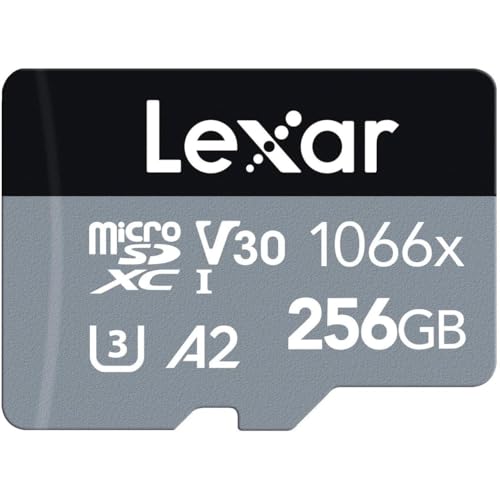
DJI’s list is different for each camera. For the Action 4 and the Action 5 Pro, it names the Kingston Canvas Go! Plus, the Lexar Professional 1066x and a SanDisk Extreme PRO, but only in 32GB. For the Action 6, it’s the Kingston and the Lexar Professional Silver Plus. So the Kingston is the one card on all three lists, and Samsung isn’t on any of them.
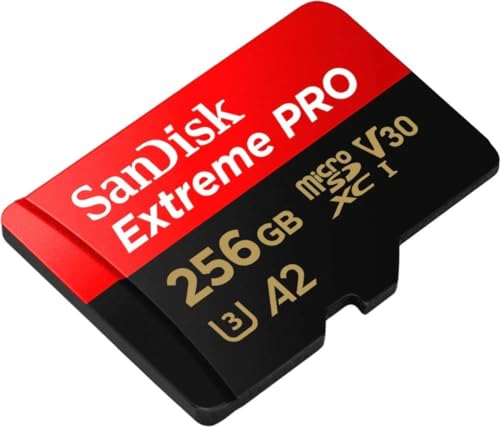
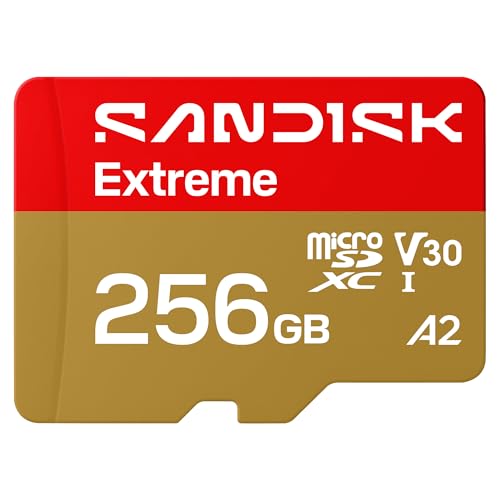
A card that isn’t listed can still work. I’ve been using SanDisk Extreme and Extreme PRO cards for years, and they’ve worked fine in my DJI cameras. But under other Action 6 videos, a lot of commenters get a “card not supported” or “speed slow” message, and most who named their card were using one that isn’t on DJI’s list. If you’re buying new, pick one DJI recommends.
How Fast Does the Card Need to Be?
All three cameras need at least a V30 card. It’s printed as a V with a 30 next to it, or a 3 inside a U, and for video both mean the card keeps writing at least 30 MB/s without slowing down. If those symbols still confuse you, here’s how SD card speed classes work.
The Action 4 records at up to 130 Mbps, and the 5 Pro and the 6 at up to 120 Mbps. That’s only about 15 or 16 MB/s, so a V30 card has about double the speed they need, and you don’t have to pay extra for V60 or V90. DJI even lists a V90 Kingston card for the Action 4, but that extra speed only helps when you copy files with a fast card reader, not when you record.
Built-In Storage and What Size to Get
The Action 4 has no built-in storage, so it can’t record without a card. The 5 Pro and the 6 have 64GB built in, but only 47GB is usable on the 5 Pro and 50GB on the 6. That’s just under an hour at the highest bitrate: a great backup if you forget your card, but not enough for a full day.
A 256GB card holds over four hours on the Action 4 and almost five on the 5 Pro and the 6, even at the highest bitrate, so it’s plenty for most people. The 5 Pro and the 6 take cards up to 1TB, but the Action 4 only goes up to 512GB, so don’t buy a 1TB card for it. My DJI Action SD card size guide goes deeper.
Personally, I’d rather have two smaller cards than one huge one. If a card ever fails, you only lose part of your footage, and on a long day you can just swap cards.
The Cards I’d Buy
For one card that’s on DJI’s list for all three cameras, get the Kingston Canvas Go! Plus. DJI lists it in every size from 64GB to 1TB for the 5 Pro and the 6, but only in 64GB and 128GB for the Action 4.
The other one is Lexar. For the Action 6, DJI lists the Lexar Professional Silver Plus, which I already recommended for the DJI Pocket. For the 4 and the 5 Pro, it’s the Lexar Professional 1066x in 64GB or 512GB. Whichever you get, I’d pick the version with the SD adapter, because that’s how I copy files to my computer.
Already have a SanDisk Extreme or Extreme PRO? You don’t need to replace it. Format it in the camera, record a couple of long test clips, and if no warnings show up, you should be fine.
Fake Cards and the “Speed Slow” Fix
In the past, I bought some cheap cards just because the price looked good, and none of them were as fast as the label said. It happens a lot. SD-3C, the company behind the SD card logo, says customs worldwide seized almost 4 million fake SD products between 2011 and 2018. Some fakes are just slower than they claim, and others claim more storage than they really have, so new footage stops saving once the real space is full.
One easy check is the size. The biggest microSD card you can actually buy right now is 2TB, so a “4TB” card for the price of a normal one is fake. Then test every new card before a trip with H2testw on Windows or F3 on a Mac. They fill the card with test data and read it back, and on a big card that takes a few hours, so leave it running overnight. Buy from the brand’s own store or a seller you trust, and on Amazon, check who it’s actually sold by.
Already seeing “speed slow” or “card not supported”? Back up your files and format the card inside the camera, in the storage settings, not on your computer. In my experience, that fixes most of these messages. If the warning comes back, test the card. If it fails, it’s probably fake, so send it back. If it passes, switch to a card on DJI’s list.
The Best SD Card for DJI Action 6, 5 Pro and 4
Action 6 or 5 Pro: a 256GB Kingston Canvas Go! Plus, or the 512GB if you travel for weeks without a laptop. More 5 Pro options are in my guide to the best SD card for DJI Osmo Action 5 Pro.
Action 4: remember the 512GB limit. The Kingston at 128GB and the Lexar 1066x at 512GB are both on DJI’s list. For more picks, here’s the best SD card for DJI Osmo Action 4.
It really comes down to buying a card DJI recommends, from a seller you trust. Wondering whether to wait for the next model instead? Here’s my take on the DJI Osmo Action 7.
What is the best SD card for the DJI Action 6?
The Kingston Canvas Go! Plus. DJI recommends it for the Action 6 alongside the Lexar Professional Silver Plus, and it’s the only card DJI lists for all three cameras: the Action 6, the Action 5 Pro and the Action 4. For most people, 256GB is plenty for a full day.
Do I need a V60 or V90 card for the DJI Action 6?
No. The Action 6 records at up to 120 Mbps, about 15 MB/s, and a V30 card keeps writing at least 30 MB/s. A V60 or V90 card only speeds up copying files to a computer; the camera doesn’t record any faster with it.
What is the maximum SD card size for the DJI Action 6, 5 Pro and 4?
The Action 6 and Action 5 Pro take microSD cards up to 1TB. The Action 4 only supports cards up to 512GB, so don’t buy a 1TB card for it.
Can I use a SanDisk Extreme PRO in the DJI Action 6?
It isn’t on DJI’s list for the Action 6, but it’s a V30 card, and SanDisk Extreme and Extreme PRO cards have worked fine in my DJI cameras. Format it in the camera and record a couple of long test clips; if no warnings show up, keep using it. It’s also in my guide to the best SD cards for action cameras.
How do I fix “speed slow” or “card not supported” on a DJI Action camera?
Back up your files, then format the card from the camera’s storage settings, not on a computer; in my experience, that fixes most of these messages. If the warning comes back, test the card with H2testw on Windows or F3 on a Mac. If it fails, it’s probably fake. If it passes, switch to a card on DJI’s recommended list.
DJI Action 6, 5 Pro and 4 SD Cards: Gear Mentioned

- Lightning-Fast Transfers – Speeds up to 200MB/s let you quickly capture, edit, and...
- 4K Ultra-HD Ready – U3 and V30 speed ratings support smooth, uninterrupted 4K video...
- Optimized for Mobile Gaming & Consoles – A2 Application Performance Class ensures...


- 205MB/s max read speed expedites transfers and reduces wait times
- 150MB/s max write speed ensures stutter-free videos
- Rated V30, it supports up to 4K 60FPS video recording to capture smooth, high-quality...
- Professional-level performance for action cameras, drones, Android smartphones...
- Leverages UHS-I technology to deliver read speeds up to 160MB/s
- Quickly capture high-quality images and extended lengths of Full-HD and 4K UHD with...
- Waterproof, shock and vibration proof, protected from airport x-rays, temperature...
- CAPTURE LARGER THAN LIFE. Unlock startling 5K[3] point-of-view and pristine high-res...
- SPEED BARRIERS SHATTERED. Save precious moments with rapid read speeds up to...
- MAXIMIZE WITH MASSIVE CAPACITY. Record longer and store more with up to 2TB[1] of...
DJI Osmo Action 6: check the current price on Amazon

