
To begin with, watch this GoPro Hero 13 tutorial where I explain how to get started with your new camera:

How to Set Up Your GoPro Hero 13
Here’s how you get started with your new GoPro Hero 13 Black:
Insert The Battery

The GoPro Hero 13 comes with a brand-new Enduro battery, packing 1900mAh of power. This is a significant upgrade for extended filming sessions, but it’s worth noting that these batteries are not backward compatible with older GoPro models. If you already own a stash of old batteries, they unfortunately won’t work with the Hero 13—a bit of a letdown for long-time users.
Here’s what to do:
- Insert the Enduro battery into your GoPro Hero 13. Make sure it’s seated properly and the compartment is securely closed. This is especially important if you plan to use your GoPro underwater—an unsealed compartment can lead to water damage.
- Charge your GoPro directly with the battery inside using the USB-C charger. It will take about 2 hours to fully charge.
- Filming times with a fully charged Enduro battery:
- 5.3K video: Around 1 hour
- 4K video: Up to 1.5 hours
- 2.7K video: About 1 hour and 45 minutes
- 1080p video: Nearly 2 hours
If you’re shooting for longer sessions, consider having spare batteries or connecting your GoPro to a power bank via cable. In this case, you can use your GoPro without a battery altogether.
You’ll also need an SD card, which is not included with the camera and must be purchased separately.
Insert The SD Card (Sold Separately)
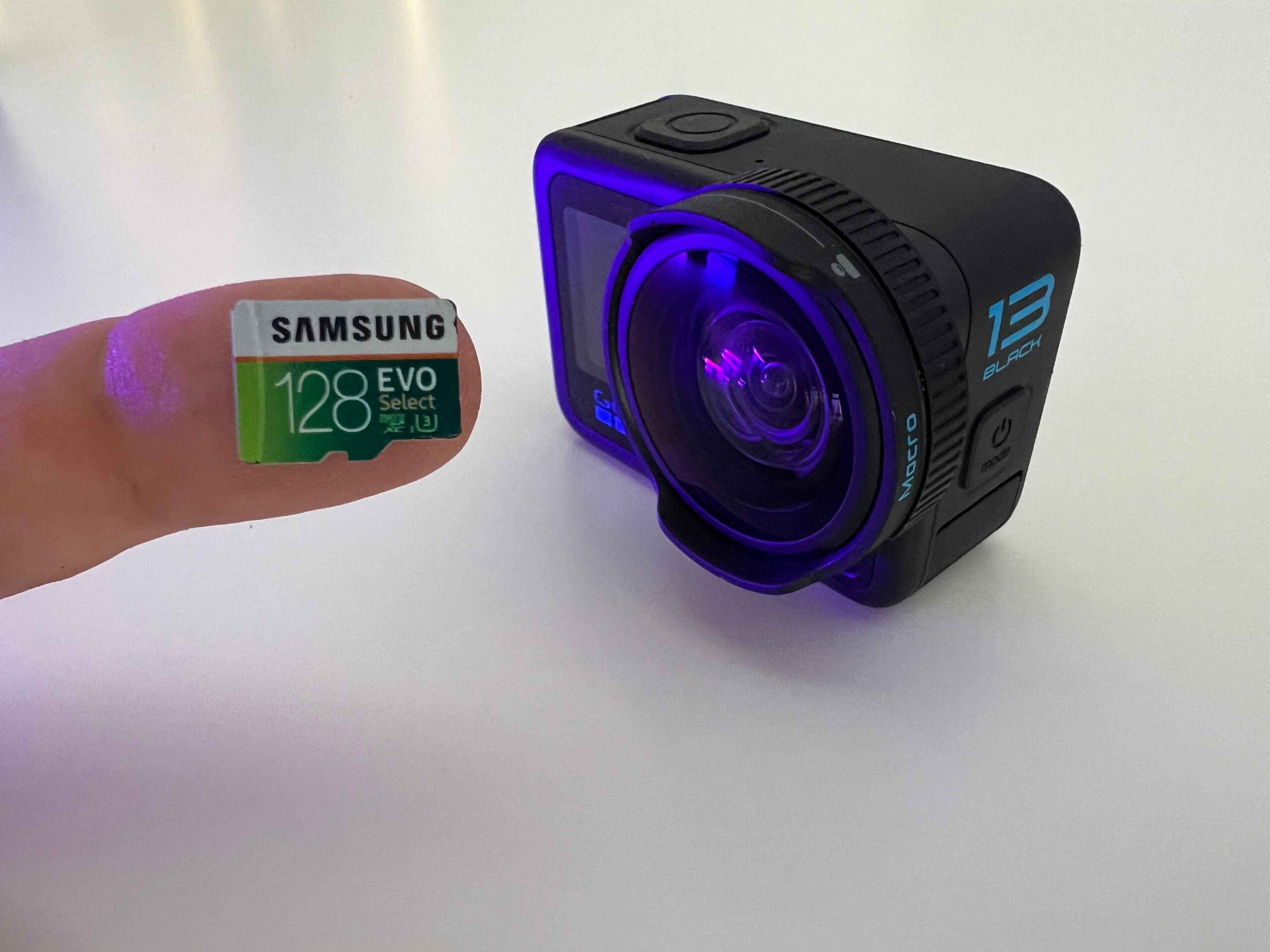
The GoPro Hero 13 requires a microSD card with at least 128GB capacity and a V30 speed class for smooth video recording.
Choosing the right SD card (recommended by GoPro) ensures you can capture high-resolution footage without dropped frames or glitches. Find all the best GoPro Hero 13 SD cards here>>>
Here are two great options:
Samsung EVO Select
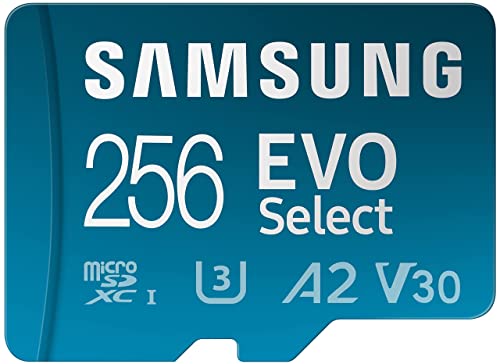
- ALL THE SPACE YOU NEED: Store tons of media on your phone, load games or download...
- FAST AND SMOOTH: With superfast U3, class 10 rated transfer speeds of up to...
- EXPAND AND STORE BIG: Find your perfect fit from 64GB, 128GB, 256GB and 512GB; Select...
The Samsung EVO Select is an excellent choice for GoPro users. With a V30 speed class and up to 512GB capacity, it provides plenty of room for 4K and 5.3K footage. It’s built to handle tough conditions, offering water, shock, and temperature resistance.
SanDisk Extreme
No products found.
The SanDisk Extreme is another highly recommended microSD card. Its fast write speeds handle high-bitrate recording with ease, and its rugged design makes it perfect for outdoor adventures. Available in sizes up to 1TB, it’s a solid pick for those who need lots of storage.
Both cards ensure your GoPro performs at its best, so you can capture every detail without interruptions.
Best GoPro Settings
To start with, download my FREE Settings Cheat Sheet>>>
In this section, you’ll find the best GoPro setting for photo and video:
Choose Between Basic and Pro Settings

The GoPro Hero 13 offers two types of settings: Basic and Pro (Protune). While the basic mode simplifies everything for quick use, I recommend using Protune settings for more control and flexibility.
Protune isn’t as complicated as it might sound, and it allows you to adjust settings like shutter speed, ISO, and white balance to match your shooting environment. This can significantly improve the quality of your footage, especially in challenging lighting conditions.
For example:
- Lower the ISO for daylight shots to reduce noise.
- Adjust white balance for underwater or snowy scenes to capture true-to-life colors.
GoPro Video Settings

Switch to Video mode by swiping left or right on the touchscreen or pressing the Mode button. The GoPro Hero 13 offers a variety of settings for different scenarios:
Resolution and Frame Rate
For everyday shooting, 4K at 30fps is a great balance between quality and file size. For more detail or reframing in post-production, consider 5.3K at 60fps. If you’re filming for social media, 1080p at 60fps can save space while maintaining good quality.
- Slow Motion: Shoot at 120fps or 240fps for slow-motion effects. Ideal for action-packed scenes like surfing or cycling. Learn more about new burst slow motion here>>>
- Aspect Ratio: Choose 16:9 for YouTube, 9:16 for Instagram, or 8:7 for full-frame flexibility.
Field of View (FOV)
- Linear: Best for cinematic shots with no fisheye effect.
- Wide and SuperView: Great for capturing immersive action or landscapes.
Hypersmooth Stabilization
The Hero 13’s Hypersmooth 6.0 ensures steady footage during movement. Use Boost mode for extreme stabilization, but note the slight crop to the frame.
GoPro Photo Settings

Switching to Photo mode gives you access to multiple settings designed for different conditions:
- Standard: Ideal for quick snapshots.
- HDR: Perfect for high-contrast scenes, like sunsets or dramatic landscapes.
- SuperPhoto: Automatically optimizes images with HDR, tone mapping, and noise reduction. Great for dynamic lighting conditions.
Cinematic Settings

For professional, cinematic footage:
- Resolution: Use 5.3K at 24fps for a film-like quality.
- ND Filters: Control motion blur in bright conditions for smoother, professional-looking shots.
- Slow Motion: Add drama to action scenes by shooting at 120fps or 240fps. Pair this with fast-moving subjects like waterfalls or sports.
- Micro Lens Mod: Achieve a shallow depth of field with a blurred background, uncommon for action cameras.
Timelapse
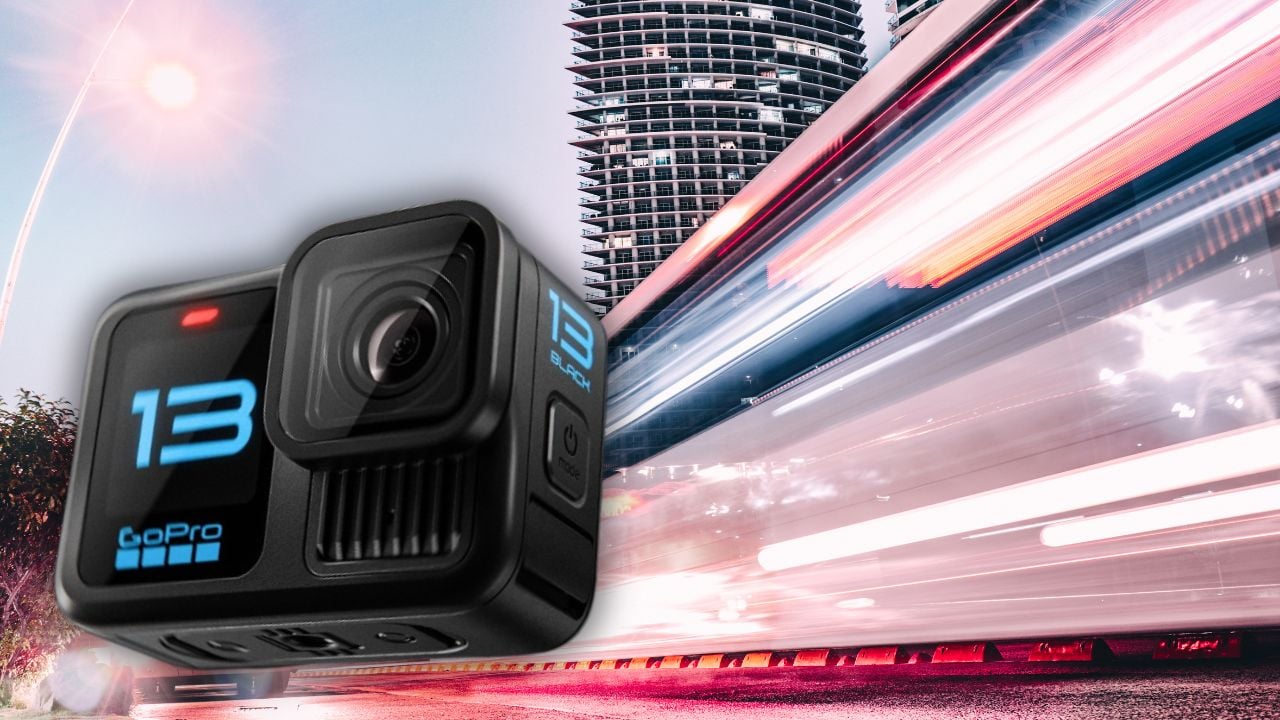
Timelapse mode is perfect for capturing dynamic changes over time.
- Intervals: Choose from 1 second to several minutes depending on your subject.
- Night Lapse: Capture stunning night skies with enhanced low-light performance.
For advanced tips, subscribe to my upcoming timelapse tutorial!
NEW Exclusive GoPro Hero 13 Accessories
New GoPro lenses and automatic ND filters:
Macro Lens Mod
No products found.
The GoPro Macro Lens Mod is perfect for capturing intricate details up close. Whether you’re photographing flowers, insects, or textures, this lens allows you to focus on subjects just a few centimeters away. The lens enhances sharpness and clarity while creating a beautifully blurred background (bokeh) for a professional look. Its compact and easy-to-attach design makes it a great tool for creative close-up shots.
Ultra Wide Lens Mod 2.0
No products found.
The GoPro Ultra Wide Lens Mod 2.0 expands your field of view to an impressive 177 degrees. This lens is ideal for immersive action shots, dramatic landscapes, and capturing wide group shots without missing any details. Its advanced design minimizes distortion, making it perfect for adventure sports, vlogs, and dynamic scenes. Plus, it’s weatherproof, ensuring reliability in any environment.
ND Filter Pack
No products found.
The GoPro ND Filter Pack is a must-have for shooting in bright conditions. These filters reduce light entering the lens, allowing you to create smooth motion blur and balance exposure in your videos. Ideal for cinematic shots and time-lapses, the pack includes ND8, ND16, and ND32 filters for different lighting conditions. Designed to fit seamlessly on the Hero 13, these filters are lightweight, durable, and easy to use.
Learn more about new lenses for the Hero 13>>>
Must-Have GoPro Accessories
Here’s a list of essential accessories, that I use with every GoPro:
GoPro Media Mod
No products found.
Perfect for attaching external microphone, Light and Display Modes.
Mounts
GoPro Chesty Mount
No products found.
Perfect for capturing hands-free POV shots during activities like skiing or mountain biking. The adjustable straps ensure a snug fit.
GoPro Head Strap
No products found.
Ideal for immersive first-person perspectives. Great for hiking or kayaking.
Tripods
Manfrotto Pixi Mini Tripod

- VERSATILE: Close the legs to use it as a comfortable grip to capture videos that...
- DSLR COMPATIBLE: Thanks to the universal 1/4 Inch screw thread and stability, Pixi...
- SAFE: When the button is released, the ball is locked automatically in the selected...

A compact, sturdy tripod perfect for setting up steady shots or timelapses.
Extendable Selfie Stick
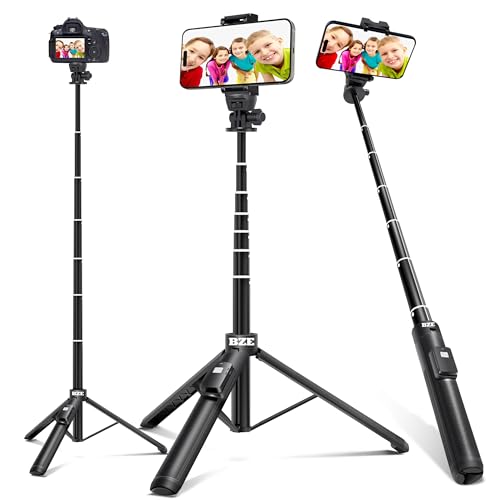
- 【3-In-1 Selfie Stick and Tripod Stand】 This is a sturdy selfie stick tripod made...
- 【with Remote Shutter】: The range of the wireless connection can be up to...
- 【Adjustable Angle and Rotatable Phone Holder】: 360°Rotatable Phone Holder and...
This versatile stick doubles as a tripod, extending for vlog-style shots or high-angle views.
Waterproof Housing
No products found.
Protect your camera for deep dives with the waterproof housing. Although the Hero 13 is water-resistant, this housing is essential for underwater adventures beyond 33 feet.
Microphone Hollyland Lark M1
No products found.
A wireless microphone that ensures crystal-clear audio. Perfect for vlogs and interviews, even in noisy environments. You’ll also need a mic adapter or a Media Mod if you want to use an external mic with your camera.
GoPro Quik
The GoPro Quik app is your go-to tool for controlling your camera, managing footage, and editing videos:
Switching Modes
Switch between Video, Photo, and Timelapse modes by swiping left or right on the camera screen or using the app’s remote control feature.
Pairing Your GoPro with Your Phone
Use the Quik app to connect your GoPro via Bluetooth and Wi-Fi. Once paired, you can control settings, preview shots, and transfer footage seamlessly.
Editing Basics
The GoPro Quik app offers basic editing tools like trimming and adding music. For advanced editing, consider software like DaVinci Resolve or Adobe Premiere Pro.
Thanks for reading!
I hope this tutorial helped you to understand better how to start out with your GoPro Hero 13 Black 🙂
Sharing is Caring ❤️
If you found this article useful, please share it on social media with your family and friends!
Related Articles:
- GoPro Hero 13 ND Filters: What They’re For & Best Options
- What Are GoPro Hero 13 FPS (Frame Rate Settings)?
- Do You Actually Need the GoPro Hero 13 Mic Adapter?
- GoPro Hero 13 New Exciting Interchangeable Lenses
Frequently Asked Questions
What is the best microSD card for the GoPro Hero 13?
I use a V30-rated card with at least 64GB of storage, and I personally go with 128GB or 256GB so I am not swapping cards mid-shoot. Higher-resolution modes like 5.3K60 eat through storage fast. Stick with trusted brands like SanDisk Extreme or Samsung EVO Select to avoid dropped frames.
Can I use my old GoPro battery in the Hero 13?
No, the Hero 13 uses a redesigned Enduro battery that is not compatible with batteries from the Hero 9 through Hero 12. You need the Hero 13-specific Enduro battery rather than reusing an older one. The upside is more capacity, at 1900mAh, so you get noticeably longer runtime.
Why will my GoPro Hero 13 not pair with the Quik app?
Most pairing issues come down to Bluetooth and Wi-Fi both needing to be enabled at the same time, so check both before you start. I also make sure the camera firmware and the Quik app are fully updated, since mismatched versions cause connection failures. If it still does not pair, restart the camera and remove and re-add the device in your phone Bluetooth settings.
Which video settings should I use for everyday filming?
For most everyday clips I shoot 4K at 30fps, which balances sharp detail with manageable file sizes and battery life. If I know I will want to crop, reframe, or slow footage down later, I switch to 5.3K60 for extra resolution and smoother motion. Turning on Protune also gives flat color and more control if you plan to color grade afterward.
Do I need the waterproof housing to film underwater?
The Hero 13 is waterproof on its own down to about 33ft (10m), which covers snorkeling and casual pool or beach use. For deeper diving or extra impact protection, the dedicated Protective Housing extends that to 196ft (60m). I would only add the housing if you are actually diving or doing watersports where the camera could take a hard hit.

